


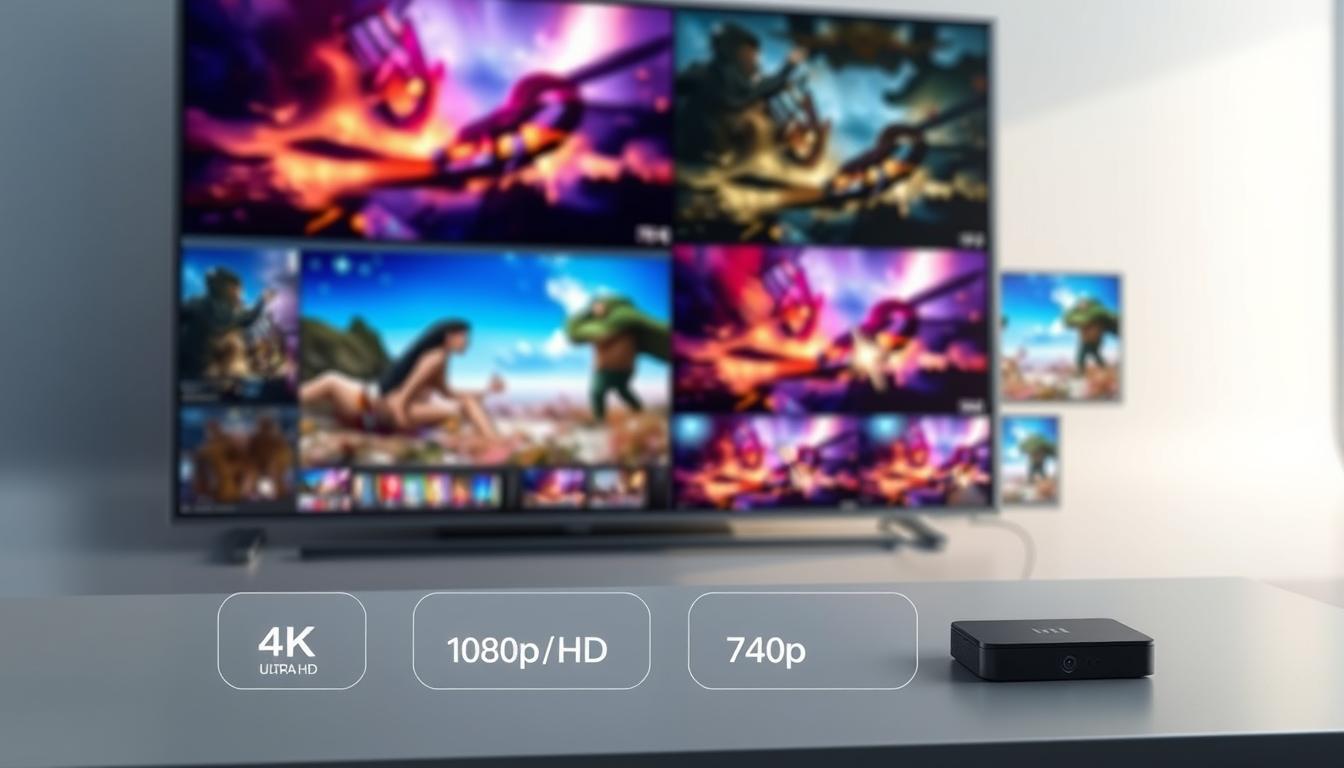
Did you know the human eye processes visual details 60,000 times faster than text? This means the crispness of what’s on your screen matters more than you might think. Whether you’re binge-watching shows, gaming, or editing photos, the sharpness of your display plays a huge role in your experience.

Higher pixel count displays, like those labeled “Ultra HD,” pack four times the detail of standard HD options. More pixels mean smoother edges, richer colors, and the ability to see finer details—whether you’re zooming into a photo or spotting hidden clues in a movie scene. But does this always translate to better quality for your needs?
This guide breaks down the pros, cons, and practical differences between these two popular formats. We’ll explore how technical specs like pixel density interact with real-world factors—like screen size and viewing distance—to help you decide what works best.
Key Takeaways
- Ultra HD displays offer four times more pixels than standard HD for sharper images.
- Clarity differences become noticeable on larger screens or closer viewing distances.
- Technical specs like color accuracy and refresh rate also impact overall quality.
- Your budget, device compatibility, and usage habits influence the ideal choice.
- Not all content is optimized for the highest pixel counts available today.
Understanding 4k Resolution vs 1080p
Your screen’s sharpness isn’t just about size—it’s about how many tiny dots it can show. These dots, called pixels, create the images you see. More pixels mean finer details, but how much does this actually matter in daily use?
Pixel Math Made Simple
Full HD (1080p) displays use 1920 pixels across and 1080 down—about 2 million total. Ultra HD quadruples that with 3840×2160 pixels, totaling over 8 million. Imagine comparing a postage stamp’s detail to a full-page poster—that’s the clarity jump here.
When More Pixels Matter
On screens larger than 50 inches, Ultra HD’s extra pixels prevent blurry edges during movie nights. Gamers notice smoother textures when sitting close to monitors, while photo editors spot finer gradients. However, smaller devices like laptops or tablets often don’t benefit as much—the difference becomes harder to see.
Viewing distance also plays a role. Sitting 10 feet from a 65-inch TV? Both formats might look similar. But move closer, and Ultra HD’s quality shines. It’s like reading a book: hold it too far, and letters blur regardless of print size.
Breaking Down the Technical Specs
Modern displays pack more visual information than ever before. To understand why higher resolution matters, we need to explore how pixels shape what you see—and what your devices can handle.
Number of Pixels and Image Detail
A single frame contains millions of colored dots. Standard HD uses 2 million pixels (1920×1080). Ultra HD quadruples this number to over 8 million (3840×2160). Imagine stitching four HD images together—that’s the detail boost you get.
More pixels mean sharper text, smoother curves, and lifelike textures. This difference shines in nature documentaries or video games where leaves, water droplets, or fabric patterns become strikingly clear. However, this clarity depends on screen size—you’ll notice it most on displays above 50 inches.
Hardware and Device Requirements
Higher resolution demands more powerful hardware. Here’s what you need:
| Specification | HD (1080p) | Ultra HD |
|---|---|---|
| Graphics Card | Basic GPU | 4K-ready GPU |
| HDMI Version | 1.4 | 2.0 or higher |
| Processor Speed | Dual-core | Quad-core |
Streaming Ultra HD video requires at least 25 Mbps internet speeds. Older screens might not support the latest color standards, making upgraded cables essential. Always check your device’s specs before jumping to a higher resolution—compatibility matters as much as pixel count.
Content Availability and Format Considerations
What you watch matters as much as how you watch it. The rise of high-quality streaming and physical media shapes what screens people choose—and how they experience their favorite shows and games.

Streaming Services and Native Content
Platforms like Netflix and Disney+ now offer thousands of titles in sharper formats. Over 35% of Netflix’s library supports detailed content, while older shows often stay in standard HD. Here’s how top services compare:
| Service | 4K Titles | HDR Support | Minimum Speed |
|---|---|---|---|
| Netflix | 1,800+ | Dolby Vision | 25 Mbps |
| Disney+ | 500+ | HDR10 | 20 Mbps |
| Prime Video | 900+ | HDR10+ | 15 Mbps |
Budget devices like basic Roku sticks or older TVs often max out at 1080p. This makes sharper streaming impractical for many households—despite growing options.
Physical Media: Blu-ray and Gaming Consoles
Disc-based formats deliver consistent quality without internet hassles. Modern PlayStation and Xbox consoles play Ultra HD Blu-rays, while standard discs stay popular for affordability. See how physical and digital stack up:
| Format | Max Quality | Storage Needed | Device Examples |
|---|---|---|---|
| Blu-ray | Ultra HD | 50-100 GB | PS5, Xbox Series X |
| DVD | 1080p | 4-8 GB | Budget Players |
Newer TVs prioritize crisp formats, but smaller screens under 40 inches rarely show the difference. Your choice depends on what you watch—and the gear you already own.
Comparing Visual Quality and User Experience
Ever squinted at a screen wondering why some images pop more than others? The answer lies in three key factors: color depth, viewing setup, and how your eyes process light. Let’s break down what makes one picture look richer than another—and how to spot these differences in your daily viewing.

Image Clarity, HDR, and Color Depth
Higher-resolution displays shine with vibrant colors and crisp details. Imagine comparing a sunset photo: standard formats might show orange streaks, while HDR (High Dynamic Range) reveals pink gradients and golden cloud edges. This tech expands the range of colors and brightness levels, making shadows deeper and highlights brighter.
Color accuracy matters too. Premium screens display over a billion shades, while basic models show millions. For streaming video or gaming, this means grass looks naturally textured instead of flat green blobs.
Viewing Distance and Screen Size Impact
Your couch-to-TV distance decides whether you’ll notice quality upgrades. Sitting 10 feet from a 50-inch screen? Both formats may look similar. But move closer, and the difference becomes clear—like spotting individual hairs in an actor’s beard.
Larger screens magnify pixel patterns. A 65-inch display shows four times the detail of a 32-inch one at the same distance. Use this simple test: if your thumb covers multiple on-screen text letters, you’re too far to benefit from sharper visuals.
| Screen Size | Ideal Distance for Detail |
|---|---|
| 40 inches | 5 feet |
| 55 inches | 6.5 feet |
| 65 inches | 8 feet |
Your eyes and room lighting also play roles. Bright rooms wash out subtle contrasts, while dim settings let HDR quality shine. Test your setup with nature documentaries or sports—if grass blades or jersey numbers look defined, your screen’s doing its job.
Choosing the Best Option for Your Needs
Picking the perfect display isn’t about chasing numbers—it’s about what actually improves your workflow. Casual users and pros have wildly different needs, and your gear should match how you interact with screens daily.
Everyday Use Versus Professional Applications
For browsing and streaming, Full HD (1080p) still shines. Most social media platforms and video calls compress footage anyway, making ultra-sharp cameras like the OBSBOT Tiny 2 overkill for casual use. A quality 1080p monitor handles Netflix marathons and Zoom meetings without draining your laptop’s battery.
Creative work demands more. Photo editors need screens showing individual hairs in portrait shots, while videographers require precise color matching. High-end monitors reveal subtle gradients that basic screens miss, but they demand powerful computers and ample storage for large files.
| Consideration | Home Setup | Studio Setup |
|---|---|---|
| Power Draw | 15-30W | 60-100W |
| File Sizes | 2-5GB/hour | 50-200GB/hour |
| Ideal Screen Size | 24-32″ | 27-43″ |
Gamers face a unique middle ground. While competitive players prioritize smooth frame rates, story-driven games benefit from immersive details. Your choice hinges on whether you’re chasing leaderboards or exploring fantasy worlds.
Future-proofing matters too. While 1080p systems cost less upfront, content creation increasingly adopts sharper formats. Balance your budget against how soon you’ll need to upgrade cameras, monitors, and storage drives.
Conclusion
Deciding between display options isn’t one-size-fits-all—it’s about matching tech to your daily habits. If you stream nature documentaries or edit photos, sharper formats reveal textures invisible on standard screens. Modern television models with HDR make sunsets glow and shadows deepen, but only if your internet handles large video files.
Smaller screens or longer viewing distances? You might not notice extra pixels. Gamers and movie buffs sitting close benefit most, while casual viewers often find older formats sufficient. Always consider your room’s space and existing gear—a premium model loses value if it strains your budget or requires new cables.
Ask yourself: Does my content (games, shows, creative work) demand finer details? Can my devices handle larger files without lag? For many, a balanced choice—prioritizing image quality where it matters most—beats chasing specs. Let how you use screens daily guide your decision, not marketing hype.
FAQ
How does pixel count affect image sharpness?
More pixels mean finer details. Ultra HD (3840×2160) packs four times as many pixels as Full HD (1920×1080), delivering crisper visuals on larger screens like Samsung’s QLED TVs or LG’s OLED displays.
Do I need special hardware for sharper visuals?
Yes. High-end devices like NVIDIA’s RTX graphics cards or Sony’s PlayStation 5 support ultra HD content. For smooth playback, ensure your monitor or TV has HDMI 2.0+ and sufficient processing power.
Is native ultra HD content widely available?
Streaming platforms like Netflix and Disney+ offer extensive libraries in higher resolutions. Physical media, such as 4K Blu-rays, also provide uncompressed quality for films and games.
Does HDR make a noticeable difference?
Absolutely. High Dynamic Range (HDR) on devices like the Apple iPad Pro or Sony Bravia TVs enhances color depth and contrast, making scenes pop even more than pixel count alone.
How does screen size impact my choice?
Larger displays, like 65-inch Samsung Neo QLED models, benefit more from extra pixels. For smaller screens under 32 inches, Full HD might look nearly as sharp from typical viewing distances.
Is ultra HD worth it for casual use?
For everyday tasks like browsing or streaming YouTube, Full HD often suffices. But creatives using Dell UltraSharp monitors or Canon EOS cameras will appreciate the added detail for editing.
Does upgrading affect storage or bandwidth?
Yes. Ultra HD files consume more space—up to 100GB for a movie on Blu-ray. Streaming requires 25+ Mbps internet speeds, so check your plan if using services like Amazon Prime Video.


 No products in the cart.