


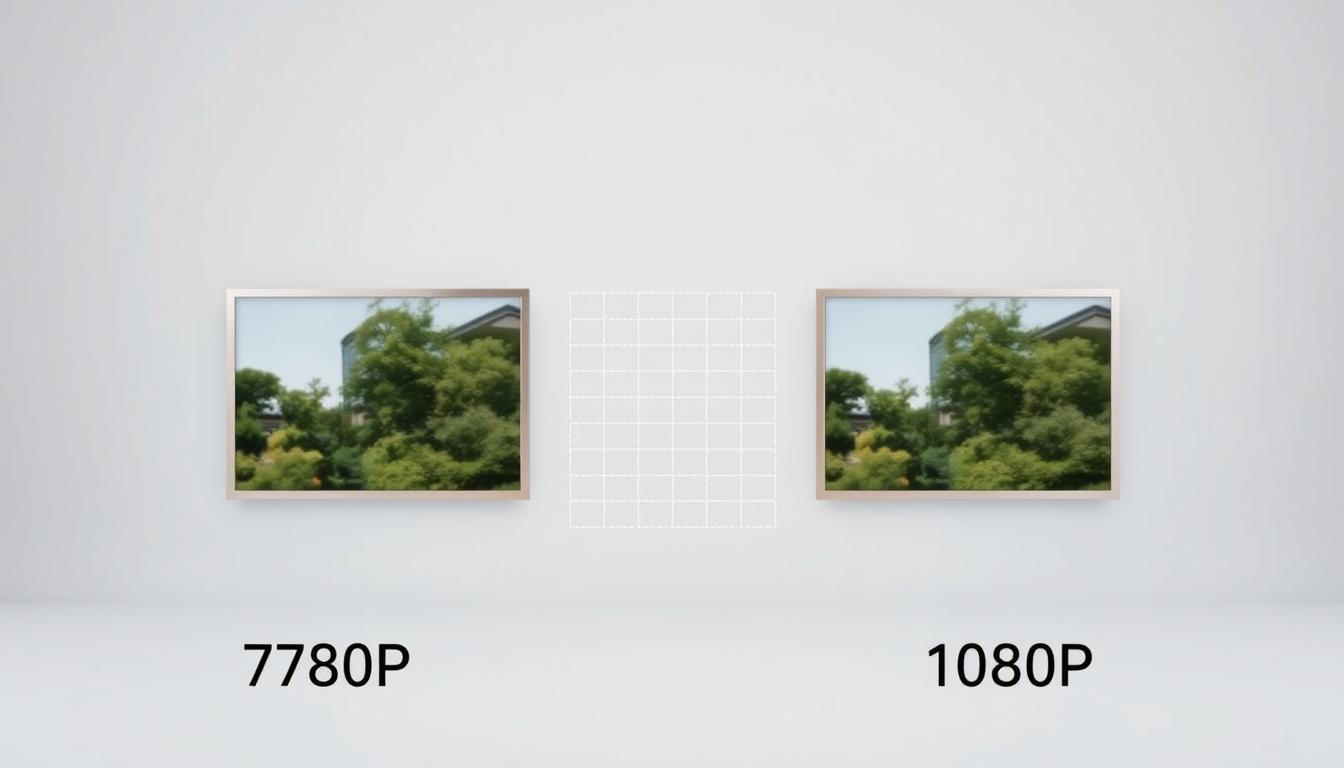
Did you know that resolution can make or break your audience’s viewing experience? In today’s digital age, choosing the right resolution is more than just a technical decision—it’s a strategic one. Whether you’re streaming live events, creating professional presentations, or simply enjoying content at home, the clarity of your image matters.
Higher resolution means more pixels, which translates to sharper visuals. This is especially crucial for event production, where every detail counts. However, it’s not just about aesthetics. Bandwidth requirements also play a significant role, especially for live streaming. Understanding these factors helps you make informed decisions that enhance both quality and efficiency.
In this article, we’ll explore the key differences between two popular resolutions, their practical applications, and how they impact your screens. Whether you’re a content creator, event planner, or home user, this guide will help you choose the best option for your needs.
Key Takeaways
- Resolution directly affects video quality and audience engagement.
- Higher pixel density improves visual clarity and detail.
- Bandwidth requirements vary based on resolution choice.
- Event production quality depends on optimal resolution settings.
- Understanding resolution helps balance quality and efficiency.
Introduction to 720p vs 1080p
Understanding video resolution starts with the basics. Resolution refers to the number of pixels displayed on a screen, which directly impacts the clarity and detail of the video. The more pixels, the sharper the image. This is why higher resolutions like 1080p are often preferred for their superior quality.
Historically, the shift from Standard Definition (SD) to High Definition (HD) marked a significant leap in technology. SD resolutions like 480p were once the norm, but HD standards like 720p and 1080p revolutionized the viewing experience. Today, these formats are widely adopted across industries, from broadcasting to streaming platforms.

One common misconception is that resolution numbers alone determine quality. In reality, factors like aspect ratio and display capabilities also play a role. For instance, a 16:9 aspect ratio is standard for HD formats, ensuring compatibility across devices.
Progressive scan technology, denoted by the “p” in 720p and 1080p, further enhances video quality. Unlike interlaced scanning, progressive scan displays each frame in full, reducing motion blur and improving clarity. This is particularly important for fast-paced content like sports or action movies.
As we explore these formats, it’s essential to match the resolution to your display. A 1080p video on a 4K screen may not look as sharp as native content. Understanding these nuances helps you make informed decisions for your viewing needs.
What Are 720p and 1080p?
Video resolution plays a pivotal role in defining visual quality. It refers to the number of pixels displayed on a screen, which directly impacts clarity and detail. The higher the pixel count, the sharper the image.
Let’s break it down. The numbers in 720p and 1080p represent vertical lines of pixels. For example, 720p has 720 vertical lines, while 1080p has 1080. These numbers are part of the overall pixel grid, which is calculated by multiplying width by height.

- 720p: 1280×720 pixels (921,600 total pixels)
- 1080p: 1920×1080 pixels (2,073,600 total pixels)
Progressive scan technology, denoted by the “p,” ensures each frame is displayed in full. This reduces motion blur and enhances clarity, especially for fast-paced content. Unlike older interlaced formats, progressive scan delivers smoother visuals.
Pixel density also matters. A higher pixel count means more detail, making 1080p ideal for larger screens. However, smaller devices like smartphones can still deliver excellent quality at 720p due to their compact size.
Understanding these differences helps us choose the right resolution for our needs. Whether it’s streaming, gaming, or professional presentations, resolution is the foundation of a great viewing experience.
Technical Differences Between 720p and 1080p
When it comes to resolution, the devil is in the details. The pixel count is the most obvious difference. A 1080p display packs 2.25 times more pixels than 720p, resulting in 2.1 million pixels compared to 0.9 million. This higher density translates to sharper images, especially on larger screens.
Pixel density, measured in PPI (pixels per inch), also plays a role. On a 42-inch screen, 1080p delivers a PPI of 52, while 720p drops to 35. This means 1080p is better suited for screens over 42 inches, where the number pixels can make a noticeable difference in clarity.
Both resolutions share a 16:9 aspect ratio, ensuring compatibility across devices. This standardization simplifies content creation and playback, whether you’re streaming or gaming. However, 1080p’s higher pixel count enhances color reproduction, making it ideal for vibrant displays.
Refresh rates also vary. While 720p typically maxes out at 60Hz, 1080p can support up to 120Hz. This higher refresh rate reduces motion blur, making it a favorite for fast-paced gaming and event production. For example, Catalyst’s event setups often use 1080p for its superior clarity on large screens.
Bandwidth and storage are other considerations. 1080p requires more data, which can strain older hardware. DEXON’s data shows that 1080p’s anti-aliasing benefits in gaming come at the cost of higher bandwidth. Similarly, Captions’ file size analysis reveals that 1080p videos take up more storage space than 720p.
Understanding these technical differences helps us choose the right resolution for our needs. Whether it’s for gaming, streaming, or professional use, the technology behind these formats ensures a tailored viewing experience.
720p vs 1080p: Visual Comparison
Visual clarity is a critical factor in determining the effectiveness of video content. When comparing these two resolutions, the differences in image quality become apparent. Higher resolution formats like 1080p deliver sharper images, making them ideal for detailed visuals.
Text sharpness is one area where 1080p excels. According to Catalyst, text and graphics appear clearer in 1080p, especially on larger screens. This makes it a preferred choice for presentations and event production, where every detail matters.
Color gradients also show significant differences. 1080p handles subtle transitions better, enhancing the viewing experience. In contrast, 720p may struggle with smoother gradients, particularly in low-light environments, as noted by Captions.
Motion clarity is another key factor. Fast-paced content like sports or action scenes benefits from 1080p’s higher frame rate, reducing motion blur. DEXON’s data highlights that 1080p uses more bandwidth (3.04GB/hr) compared to 720p’s 1.86GB/hr, but the improved clarity justifies the trade-off.
Compression artifacts are less noticeable in 1080p, even at lower bitrates. This ensures a cleaner image, especially when viewed up close. On larger screens, the pixel structure of 720p becomes more visible, while 1080p maintains its sharpness.
Understanding these visual differences helps us choose the right resolution for specific needs. Whether it’s for professional use or personal enjoyment, the details matter in creating an engaging experience.
Use Cases for 720p vs 1080p
Choosing the right resolution depends on your specific needs and applications. Different scenarios call for tailored settings to maximize efficiency and quality. Let’s explore the practical use cases for these resolutions across various fields.
For streaming, bandwidth is a key factor. Catalyst highlights that 720p is ideal for mobile devices or limited internet connections. It ensures smooth playback without consuming excessive data. On the other hand, 1080p delivers superior clarity for home theaters or high-speed connections, enhancing the viewing experience.
In gaming, DEXON notes that 1080p reduces anti-aliasing needs, providing sharper visuals for esports and fast-paced games. Casual gamers, however, may find 720p sufficient, especially on smaller screens. The choice depends on the game’s demands and the player’s preferences.
For professional content, such as webinars or cinematic projections, 1080p is often the standard. It ensures crisp text and vibrant visuals, essential for engaging audiences. Captions recommends Full HD for monitors, while HD is suitable for mobile-friendly content.
Smartphones and home theaters also benefit from tailored resolutions. 720p works well for compact screens, conserving data and storage. Meanwhile, 1080p shines in larger setups, delivering immersive experiences. Catalyst’s event production hierarchy emphasizes matching resolution to screen size for optimal results.
Surveillance cameras and video conferencing also rely on resolution choices. 1080p provides detailed footage for security, while 720p suffices for casual video calls. Pre-recorded content often uses 1080p for archival quality, ensuring long-term usability.
Understanding these use cases helps us make informed decisions. Whether it’s for streaming, gaming, or professional applications, the right resolution enhances both quality and efficiency.
Pros & Cons of 720p and 1080p
Every resolution has its strengths and weaknesses, depending on the context. Understanding these can help you make the right choice for your needs. Let’s break down the key factors to consider.
One major factor is internet bandwidth. Lower resolutions like 720p consume less data, making them ideal for mobile users or areas with limited connectivity. However, higher resolution formats like 1080p deliver sharper images, especially on larger screens.
Hardware compatibility is another consideration. Older devices may struggle with 1080p, while 720p works smoothly on most systems. This makes 720p a budget-friendly option for those with older setups. On the other hand, 1080p is better suited for professional work, offering superior clarity for presentations and editing.
Future-proofing is also important. As technology advances, 1080p ensures your content remains relevant. However, 720p can still be a practical choice for casual use or smaller screens.
Here are some key points to keep in mind:
- 720p is more bandwidth-efficient, saving on data usage.
- 1080p provides better image quality, especially for professional applications.
- Older hardware may perform better with 720p.
- 1080p is ideal for larger screens and future-proofing.
By weighing these pros & cons, you can choose the resolution that best fits your needs. Whether it’s for streaming, gaming, or professional use, the right choice ensures both quality and efficiency.
Conclusion
Making the right resolution choice can significantly enhance your viewing experience. Whether you’re streaming, gaming, or producing professional content, understanding the balance between quality and practicality is key. Larger screens benefit from higher resolutions, while smaller devices can deliver excellent results with lower settings.
Emerging trends like 4K and 8K are shaping the future of technology, but 1080p remains a reliable standard for most applications. For those looking to upgrade, consider your screen size, bandwidth, and hardware compatibility. Catalyst’s professional consultation services can help optimize your setup for event production or personal use.
Ultimately, the best choice depends on your specific needs. Tailor your settings to your audience and purpose, ensuring a seamless and engaging experience. For advanced solutions, explore DEXON’s video wall options or Captions’ editing software to elevate your content.

 No products in the cart.