


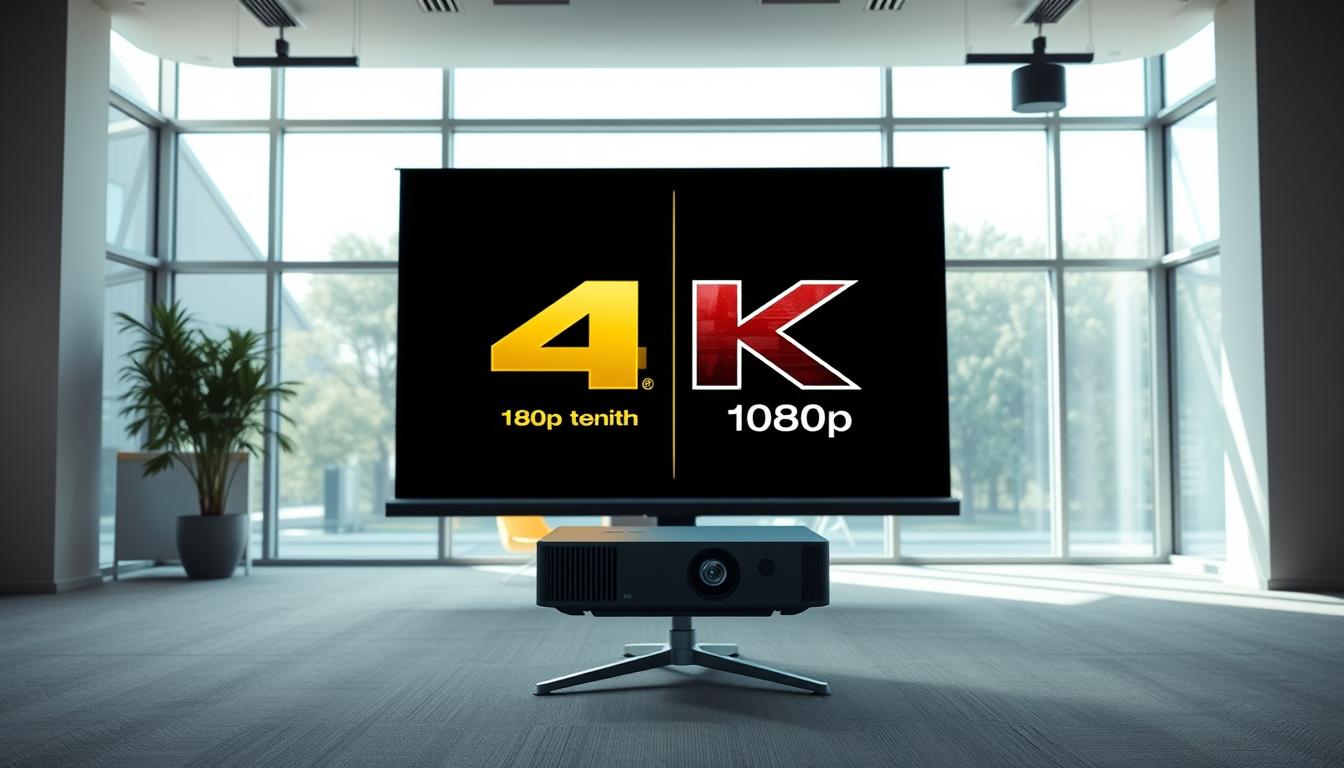
Did you know the human eye can detect up to 576 megapixels? While most screens can’t match that, modern projectors come shockingly close. The difference between 3840 x 2160 pixels and 1920 x 1080 pixels isn’t just numbers—it’s the gap between seeing individual blades of grass in a sports broadcast or watching them blur into a green haze.

Higher resolutions transform how we experience movies, games, and even casual streaming. More pixels mean sharper details, richer colors, and lifelike textures. But not every setup needs the latest tech. Factors like screen size, viewing distance, and content type play crucial roles in determining what works best for your space.
This article breaks down how pixel density impacts image quality, why certain formats work better with specific resolutions, and what your budget can realistically achieve. Whether you’re creating a home theater or upgrading your gaming den, understanding these differences ensures you invest wisely.
Key Takeaways
- Pixel count directly affects sharpness, with 8 million pixels offering four times more detail than 2 million
- Screen size and viewing distance determine whether resolution upgrades are noticeable
- Most streaming platforms now support higher-resolution content
- Budget-friendly options exist for both resolution tiers
- Future-proofing considerations depend on content consumption habits
Understanding Resolution: The Basics of 4K and 1080p
Every image you watch is a mosaic of tiny dots; the size and number define your viewing journey. Resolution measures how many pixels pack into a display, determining sharpness and detail. Modern standards like higher-resolution formats offer four times more pixels than their lower-resolution counterparts, creating smoother edges and lifelike textures.
What Sets Higher-Resolution Displays Apart
Higher pixel counts reveal subtle details most viewers miss—think individual strands of hair in nature documentaries or distant city lights in films.
“The leap in color depth makes scenes feel three-dimensional,”
notes a display engineer. This clarity shines brightest on large screens or when sitting closer, where extra pixels prevent visible graininess.
Why Lower Resolution Still Works for Homes
Many households stick with standard resolutions because they balance quality and practicality. For smaller screens or viewers sitting 10+ feet away, the difference becomes harder to spot. Lower-resolution content also streams smoothly on average internet speeds, avoiding buffering during movie nights.
Content availability drives adoption. While new blockbusters often support ultra-sharp formats, classic shows and casual streaming thrive on standard resolutions. Your viewing distance and screen size ultimately decide which option delivers the most immersive experience.
Key Differences Between 4K vs 1080p
Every detail you see hinges on invisible grid patterns. These grids—made of tiny pixels—determine whether a dragon’s scales look textured or a sunset appears as a single orange blob. Higher-resolution formats pack more pixels into each frame, creating distinct visual advantages.
Pixel Density and Image Clarity
A 3840 x 2160 grid contains 8.3 million pixels—four times more than the 2.1 million in a 1920 x 1080 display. This jump reduces jagged edges in diagonal lines and text, known as aliasing. On a 100-inch screen, the tighter pixel layout keeps images sharp even at close viewing distances.
Color Depth and Dynamic Range Comparisons
More pixels allow smoother transitions between hues. A higher pixel count displays 10-bit color depth, revealing 1.07 billion shades compared to 16.7 million in standard setups.
“Extra pixels let projectors layer colors precisely, like mixing paint on a digital canvas,”
explains a Sony imaging specialist. This precision enhances shadows in horror films and sun reflections in sports broadcasts.
These technical leaps matter most with detailed content. Nature documentaries gain lifelike foliage textures, while racing games show individual raindrops on windshields. The gap narrows with smaller screens or faster-paced media, where motion distracts from pure resolution benefits.
Projector Performance: 4K vs 1080p in Action
Modern projectors turn living rooms into cinemas, but their real-world performance hinges on technical nuances. Brightness and contrast ratios determine whether explosions pop off the screen or dark scenes look muddy. Let’s explore how these factors shape your viewing experience.
Light Output and Shadow Detail
Projectors with 3,000+ lumens maintain clarity in sunlit rooms, while lower brightness suits dark theaters. High contrast ratios (5,000:1 or above) preserve details in shadows—critical for horror movies or space documentaries. Entry-level 1080p models often sacrifice contrast for affordability, creating washed-out blacks.
“A projector’s ANSI lumens rating tells half the story—color accuracy matters just as much for realism,”
says a THX-certified technician. Premium models handle HDR content better, though older TVs and monitors may not display enhanced dynamic range.
| Feature | Budget 1080p | Premium 4K |
|---|---|---|
| Brightness | 2,200 lumens | 3,800 lumens |
| Contrast Ratio | 1,500:1 | 10,000:1 |
| HDR Support | Limited | Dolby Vision |
| Price Range | $400-$800 | $2,500+ |
Streaming and Hardware Syncing
Most 1080 resolution projectors work seamlessly with Roku sticks and gaming consoles. However, 4K content requires HDMI 2.0 ports and high-speed cables—upgrades many older setups lack. Pixels 1080 projectors excel with Blu-rays and live sports, where motion clarity trumps ultra-sharp detail.
Consider your media sources before investing. Streaming platforms like Netflix demand consistent 25 Mbps speeds for UHD, while 1080p streams smoothly at 5 Mbps. For mixed-use spaces, resolution 1080 models offer flexibility across devices without demanding premium hardware.
Screen Size, Viewing Distance, and Overall Experience
Your viewing setup acts like a magnifying glass for image quality. The combination of screen dimensions and seating position determines whether you’ll see crisp details or fuzzy edges. Let’s explore how these factors shape your visual experience.

Optimal Screen Sizes for Different Resolutions
Larger screens demand more pixels to maintain sharpness. A 120-inch display needs four times the pixel density of a 60-inch screen to avoid visible gaps between dots. This explains why higher-resolution projectors excel in home theaters with expansive screens.
For standard resolutions, 85-inch screens mark the sweet spot. Beyond this size, images lose definition unless viewed from farther distances. Compact spaces under 100 square feet often benefit more from smaller screens paired with standard pixel counts.
How Viewing Distance Changes Perception
Sitting closer to the screen reveals more detail. At 8 feet, viewers notice individual strands of hair on a 100-inch display with higher pixel density. Move back to 12 feet, and those details blend together—making standard resolutions appear sharper than they actually are.
“The human eye stops resolving extra pixels beyond specific distance thresholds,”
states a SMPTE study. Use this simple guideline:
| Screen Size | Ideal Distance (Higher Res) | Ideal Distance (Standard Res) |
|---|---|---|
| 80″ | 6-8 ft | 10-12 ft |
| 120″ | 9-11 ft | 14-16 ft |
Most living rooms use 8-10 foot viewing distances. In these setups, screen sizes under 100 inches show minimal quality differences between resolution tiers. Prioritize larger screens only if your seating arrangement allows closer proximity.
4K vs 1080p for Gaming and Multimedia
Modern gaming transforms living rooms into battlegrounds where every pixel counts. Higher resolutions demand more graphical power, creating unique challenges and rewards for players. Let’s explore how different formats handle fast-paced action and cinematic content.
Frame Rates and Hardware Demands
Running games at 3840 2160 resolution requires serious GPU muscle. Benchmarks show popular titles like Cyberpunk 2077 achieving 60 FPS on RTX 4080 cards at max settings—but only 24 FPS without upscaling tech. Compare this to 1080 gaming, where mid-range GPUs maintain smooth 144Hz performance.
“DLSS and FSR upscaling let players cheat the system, delivering near-native clarity at lower rendering costs,”
notes an NVIDIA engineer. These smart solutions help bridge the gap between visual fidelity and playability. However, competitive esports titles often prioritize frame rates over pixel counts for split-second reactions.
Multimedia’s Detail Revolution
The 3840 2160 format shines when displaying nature documentaries or CGI-heavy films. Scenes reveal individual raindrops on leaves or texture in alien armor that standard resolutions blur. Streaming services now offer enhanced content libraries, though bandwidth demands jump significantly.
Consider these performance comparisons:
| Title | 1080p FPS | 3840×2160 FPS |
|---|---|---|
| Horizon Forbidden West | 120 | 45 |
| Spider-Man: Across the Verse | 90 | 32 |
| Call of Duty: Warzone | 144 | 68 |
Casual viewers might not notice the difference 1080 projectors present during fast motion sequences. But for stationary scenes and paused content, higher resolutions deliver unmistakable depth. Your hardware capabilities and content preferences ultimately dictate which balance of speed and detail works best.
Budget and Cost Considerations for Projector Choices
Smart financial planning separates dream setups from buyer’s remorse in home entertainment. Entry-level models tempt with low price tags, while premium units promise lasting performance. Your ideal choice depends on immediate needs and how you value future-proofing.

Price Points: Affordable 1080p vs Premium 4K Models
Standard-resolution projectors dominate the $300-$800 range, offering plug-and-play convenience. Popular models like BenQ HT2050A deliver crisp images for casual streaming and gaming. Premium counterparts start at $1,500, featuring enhanced color accuracy and HDR support.
| Feature | Budget Range | Premium Range |
|---|---|---|
| Resolution | 1920×1080 | 3840×2160 |
| Contrast Ratio | 15,000:1 | 1,000,000:1 |
| Lamp Life | 4,000 hours | 20,000 hours |
| Warranty | 1 year | 3 years |
Long-term Investment and Value Analysis
Consider replacement bulb costs—$89 every 3 years for budget models versus $299 every decade for laser units. Higher-tier projectors like Sony VPL-VW325ES maintain resale value better, often retaining 60% of their price after 5 years.
- Content trends favor higher resolutions: 85% of new streaming shows support enhanced formats
- Smaller spaces under 12×12 feet see diminishing returns on premium models
- Gaming setups require balancing resolution with input lag reduction tech
Budget-conscious buyers should count how often they upgrade devices. Frequent upgraders benefit from affordable options, while minimalists gain from premium longevity. Always match your purchase to room dimensions and viewing habits rather than chasing specs alone.
Additional Features and Technological Advancements
Modern projectors are no longer just about displaying images—they’re evolving into smart hubs. Built-in Android TV and voice assistants like Alexa transform these devices into entertainment command centers. Seamless integration with home automation systems lets you dim lights or adjust thermostats without leaving your seat.
Smart Connectivity and Integration with Home Systems
New models sync effortlessly with devices like the Xbox Series X, unlocking 120Hz gaming modes for smoother action. Wireless casting via Miracast or AirPlay eliminates cable clutter, while dual-band Wi-Fi ensures stable 4K streaming. Advanced 1080 monitors now include auto-keystone correction, perfecting image alignment even in awkward room layouts.
| Feature | Older Models | 2023 Models |
|---|---|---|
| Smart OS | Basic | Android TV 11 |
| Gaming Support | 60Hz | HDMI 2.1 (4K/120Hz) |
| Voice Control | None | Alexa/Google Assistant |
| Upscaling | 720p→1080p | AI-enhanced 4K |
Hardware Requirements and Future-Proofing Your Setup
Next-gen consoles demand HDMI 2.1 ports for full Xbox Series X potential. High-speed 48Gbps cables prevent signal loss during HDR gaming sessions. For 1080 content, modern processors use AI upscaling to sharpen older DVDs and streams—think of it as digital remastering in real time.
Laser light engines in premium models last 20,000 hours, outliving traditional bulbs by 5x. These innovations ensure systems stay relevant as 8K content emerges. Whether you’re gaming or binge-watching, today’s features bridge tomorrow’s tech gaps.
Conclusion
Your home theater’s visual impact depends on matching tech to space. Higher-resolution projectors deliver 8 million pixels for razor-sharp textures, while standard models offer sufficient detail for smaller viewing areas. Quality differences become most apparent on screens over 100 inches or when sitting closer than 10 feet.
Consider your room layout and content habits. Sports fans and gamers benefit from tighter pixel grids revealing jersey numbers or weapon details. Casual viewers in compact spaces might prioritize budget-friendly options without sacrificing clarity.
Both resolutions excel in specific scenarios. Premium models shine in dedicated theaters, while affordable alternatives work for multipurpose rooms. The right choice balances your screen size, seating distance, and media sources.
Test your setup requirements before deciding. Measure your viewing area, assess lighting conditions, and review your favorite content types. A well-chosen projector transforms ordinary nights into cinematic experiences—whether through cutting-edge precision or cost-effective performance.
Remember: immersive viewing hinges on pairing pixel density with your environment. Prioritize what enhances your entertainment reality.
FAQ
How does 4K resolution improve image quality compared to older formats?
4K offers four times the pixels of 1080p, delivering sharper details and smoother gradients. This higher pixel count reduces visible screen-door effects, making images appear more lifelike, especially on larger screens.
Can I notice the difference between 4K and 1080p on smaller screens?
The visual gap narrows on screens under 50 inches. Higher resolutions shine on larger displays or when sitting closer, where pixel density impacts clarity. For compact setups, 1080p often remains cost-effective.
Is 1080p still a viable option for home theaters?
Yes. Full HD projectors provide excellent value, particularly with budget-friendly pricing and widespread content compatibility. They perform well in rooms with controlled lighting and moderate screen sizes.
Does 4K require specific hardware for gaming?
Modern consoles like PlayStation 5 and Xbox Series X support 4K gaming, but achieving high frame rates demands powerful GPUs. For casual gaming, 1080p offers smoother performance without expensive upgrades.
How does viewing distance affect detail perception?
Sitting farther reduces the ability to discern fine details. For 4K, a distance of 1-1.5 times the screen height optimizes immersion. With 1080p, viewers can sit farther without losing clarity.
Are 4K projectors worth the higher cost?
Premium models excel in HDR, color accuracy, and future-proofing. However, affordable 1080p options suit those prioritizing budget or smaller setups. Consider usage habits and room size before investing.
Do streaming services fully support 4K content?
Platforms like Netflix and Disney+ offer 4K libraries, but bandwidth requirements are steep. Older or niche content may still max out at 1080p, so check availability for your favorite shows or movies.
Can I use a 4K projector with existing 1080p media?
Yes. Most 4K devices upscale lower-resolution content, though results vary by processor quality. Native 4K media, like Ultra HD Blu-rays, will always showcase the format’s full potential.

 No products in the cart.